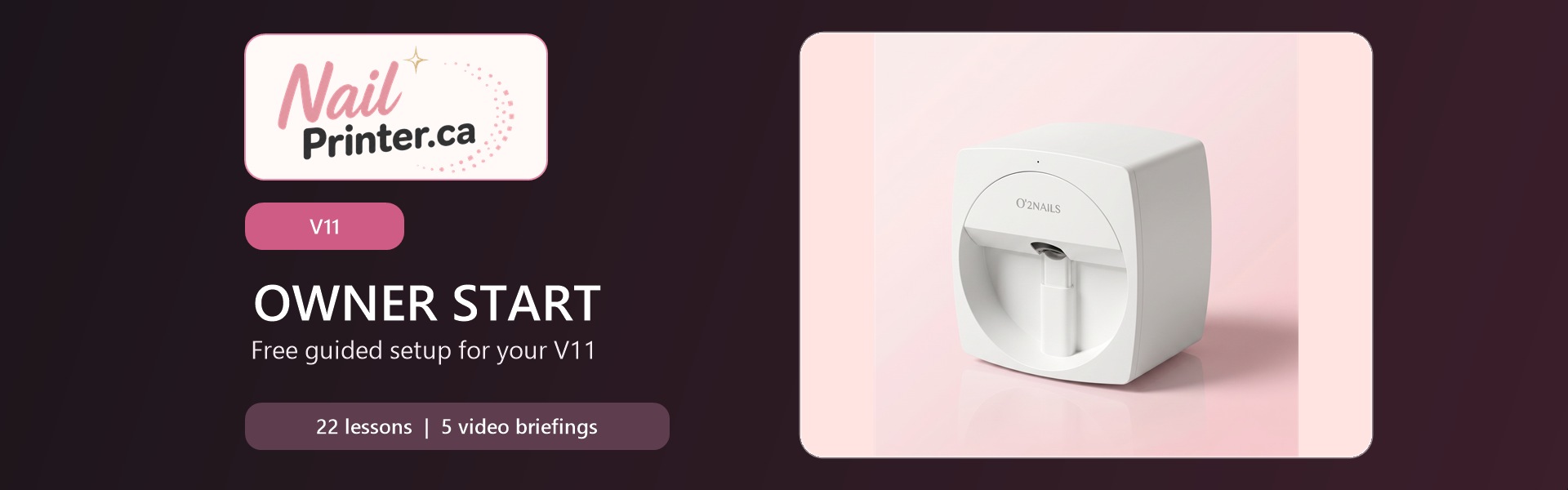

V11 Setup System
Follow a dedicated V11 path for workspace preparation, power, cartridge handling, connectivity, app access, and machine identity.
Controlled First Prints
Use clear checkpoints for cartridge readiness, design selection, positioning, natural-nail and press-on workflows, and repeatable quality records.
Care, Troubleshooting & Support
Protect print quality with routine care, safe retry decisions, calibration boundaries, and a complete support-ticket process when expert help is needed.
Built for a Safe, Confident Start
Owner Start is the included onboarding path for V11 owners. Work through 22 concise guided lessons and five video openers covering model identification, workspace safety, cartridge handling, power and connectivity, approved app access, design organization, controlled printing, care, troubleshooting, and support. Every guided lesson ends with a completion checkpoint and knowledge check. This program supports a documented operating routine; it does not promise income or replace model-specific technical support.
Your NailPrinter.ca Support Team
Owner Start is maintained by NailPrinter.ca for V11 owners. Guidance is structured around safe operating boundaries, current customer resources, clear records, and a direct support route when your machine or screen does not match the lesson. Need help? Email [email protected] or call (506) 436-7731. For ongoing tips, follow NailPrinter.ca and listen to Pressed for Profit.
Inside Owner Start
-
-
(Included in full purchase)
V11 Owner Start — Chapter 1: Know Your V11
-
(Included in full purchase)
Welcome to Your V11 Owner Start Path
-
(Included in full purchase)
Build Your V11 Machine Passport
-
(Included in full purchase)
Prepare a Safe V11 Workstation
-
(Included in full purchase)
Verify Your V11 Shipment
-
(Included in full purchase)
-
-
(Included in full purchase)
V11 Owner Start — Chapter 2: Prepare and Connect Your V11
-
(Included in full purchase)
Seat the V11 SM10 Cartridge Without Force
-
(Included in full purchase)
Power the V11 On and Shut It Down Correctly
-
(Included in full purchase)
Prepare the V11 Companion App
-
(Included in full purchase)
Connect Your Phone to the V11 and Manage Networks
-
(Included in full purchase)
Create and Protect Your V11 App Account
-
(Included in full purchase)
-
-
(Included in full purchase)
V11 Owner Start — Chapter 3: Build Your V11 Design Library
-
(Included in full purchase)
Find an Authorized Design in the V11 Library
-
(Included in full purchase)
Use a Pattern Code in the V11 App
-
(Included in full purchase)
Build a Rights-Safe V11 Design Gallery
-
(Included in full purchase)
Import a Client-Approved Image to V11
-
(Included in full purchase)
-
-
(Included in full purchase)
V11 Owner Start — Chapter 4: Complete Controlled V11 Prints
-
(Included in full purchase)
Run the V11 Cartridge Readiness Test on Approved Material
-
(Included in full purchase)
Position a Design in the V11 Print Preview
-
(Included in full purchase)
Complete a Controlled V11 Natural-Nail Practice Print
-
(Included in full purchase)
Complete a Controlled V11 Press-On Practice Print
-
(Included in full purchase)
-
-
(Included in full purchase)
V11 Owner Start — Chapter 5: Protect Quality and Build Momentum
-
(Included in full purchase)
Open, Close, and Care for Your V11 Station
-
(Included in full purchase)
Use the V11 Quality Decision Path
-
(Included in full purchase)
Escalate V11 Alignment or Camera Offset Safely
-
(Included in full purchase)
Build a V11 Support Packet That Gets Answers
-
(Included in full purchase)
Complete Your V11 First-Week Readiness Review
-
(Included in full purchase)
What Owner Start Gives You
Practical guidance built around safe steps, accurate records, and a direct support boundary. Your results depend on your equipment, training, market, and execution.
Dedicated V11 instructions keep setup and troubleshooting tied to the machine in front of you.
V11 Owner Path

Every lesson ends with a private completion checkpoint and a knowledge check so you can confirm progress.
22 guided lessons
When the machine or screen differs, pause, capture the details, and use the NailPrinter.ca support route.
Dedicated V11 instructions keep setup and troubleshooting tied to the machine in front of you.
V11 Owner Path
Every lesson ends with a private completion checkpoint and a knowledge check so you can confirm progress.
22 guided lessons
When the machine or screen differs, pause, capture the details, and use the NailPrinter.ca support route.
Ready to Start With Your V11?
Enroll free now, complete the 22 lessons in order, and keep the Owner Success Playbook nearby as your operating reference. If anything differs from your machine, pause and contact support before continuing.